Visit Japan Web is the free official site that replaces the paper arrival card and customs form. Ten minutes at home can save you half an hour in the arrivals hall.
This post contains affiliate links. We may earn a commission if you book through them. How we make money.
Quick answer
Create a free account on the official Visit Japan Web site, add your passport and flight details, and fill in the immigration and customs sections at least six hours before you land. You get a QR code to show at immigration and customs at Japan’s main airports. It is optional but strongly recommended, and it is free; ignore any site that charges a fee.
What Visit Japan Web is (and is not)
Visit Japan Web (often shortened to VJW) is run by Japan’s Digital Agency. It lets you submit two forms online before you arrive: the disembarkation card for foreigners (the immigration arrival card) and the customs declaration. In return you get QR codes that speed you through the airport.
It is not a visa or an entry permit. Citizens of the US, Canada, the UK, Australia, New Zealand and most of Europe can visit Japan visa-free for up to 90 days for tourism; check our Japan entry requirements guide for the details. Japan plans to introduce an electronic travel authorization (JESTA) in the coming years, but at the time of writing it is not yet required.
| Procedure | Covered? | Notes |
|---|---|---|
| Immigration arrival card | Yes | Replaces the paper card at major airports |
| Customs declaration | Yes | Use the e-gates in the customs hall |
| Visa | No | Apply separately if your nationality needs one |
| Tax-free shopping | No | Japan is moving tax-free shopping to a refund-at-departure system; show your passport in the shop and follow its instructions |
What you need before you start
- Your passport (the app can scan it with your phone’s camera).
- An email address you can access.
- Your flight number and arrival date.
- The address and phone number of your first hotel in Japan.
- A list of anything you are bringing that may need declaring, such as more than 1 million yen in cash, large amounts of alcohol or tobacco, or food products.
Step-by-step registration
- Create an account. Go to the official Visit Japan Web site, choose your language, and sign up with your email. Confirm the code sent to your inbox.
- Register yourself. Under “Your details”, choose that you are not a Japanese national, then scan or type in your passport information. Check that your name and passport number match exactly.
- Register your trip. Add a new arrival with your planned date, airline and flight number, and your first accommodation in Japan.
- Fill in the immigration section. Answer the standard questions about your purpose of visit, length of stay and history. Most travelers answer “no” to all the yes/no questions.
- Fill in the customs section. Declare what you are carrying. If you have nothing special, you still need to complete this form to get the customs QR code.
- Check the status. Both sections should show as “completed” (blue). Do this at least six hours before arrival, as the site recommends.
- Save the QR codes. Take screenshots in case you have no data when you land.


Using the QR codes at the airport
At major airports such as Narita, Haneda, Kansai and Chubu, you can register your information at kiosks near immigration by scanning your passport and QR code, or simply show the code to an officer. Fingerprints and a photo are taken at immigration. Then, after collecting your bags, scan the customs QR code and your passport at the customs electronic gates, which use face recognition to let you through.
At some airports a combined QR code handles both steps. Follow the signs for “Visit Japan Web” users. If anything goes wrong, you can always fall back to the paper forms, which are still available on the plane or in the arrivals hall.
Need data when you land?
An eSIM lets you open your QR codes and maps the moment you arrive.
Families and travel companions
One account can register family members who travel with you, such as children or a spouse. Add each person under “Your details” as a companion, and complete the immigration form for each of them. For customs, family members traveling together can usually be covered by one declaration. Each person will have their own immigration QR code.
Friends traveling together should each use their own account.
Common mistakes
- Using an unofficial site. Some websites look official and charge a fee. Visit Japan Web is always free.
- Leaving it to the last minute. Complete everything the day before your flight, on WiFi.
- Typos in passport details. A mismatch can stop the kiosk from reading your code. Scan the passport rather than typing.
- Only screenshotting one code. Make sure you have both the immigration and customs codes, or the combined code if shown.
- Not declaring food. Meat products, including jerky and many sausages, are banned unless they have proper certificates. Fresh fruit may need inspection. When in doubt, declare it.
Common questions
Is Visit Japan Web mandatory? No, but most visitors use it because it is faster. Paper forms are still accepted.
Can I edit my details after registering? Yes. You can change flight or hotel details until you use the QR code.
Does it work for cruise passengers or smaller airports? Coverage is expanding, but some regional airports and ports still use paper only. Check the official site’s list of supported locations.
Do I need it for transit? Only if you pass through immigration. If you stay airside, you do not.
Sorting out the rest of your trip?
Travel insurance is not required for Japan, but medical care is expensive for visitors.
Photo: Narita Airport Terminal 2 arrival lobby by Nanashinodensyaku, CC BY-SA 4.0, via Wikimedia Commons.
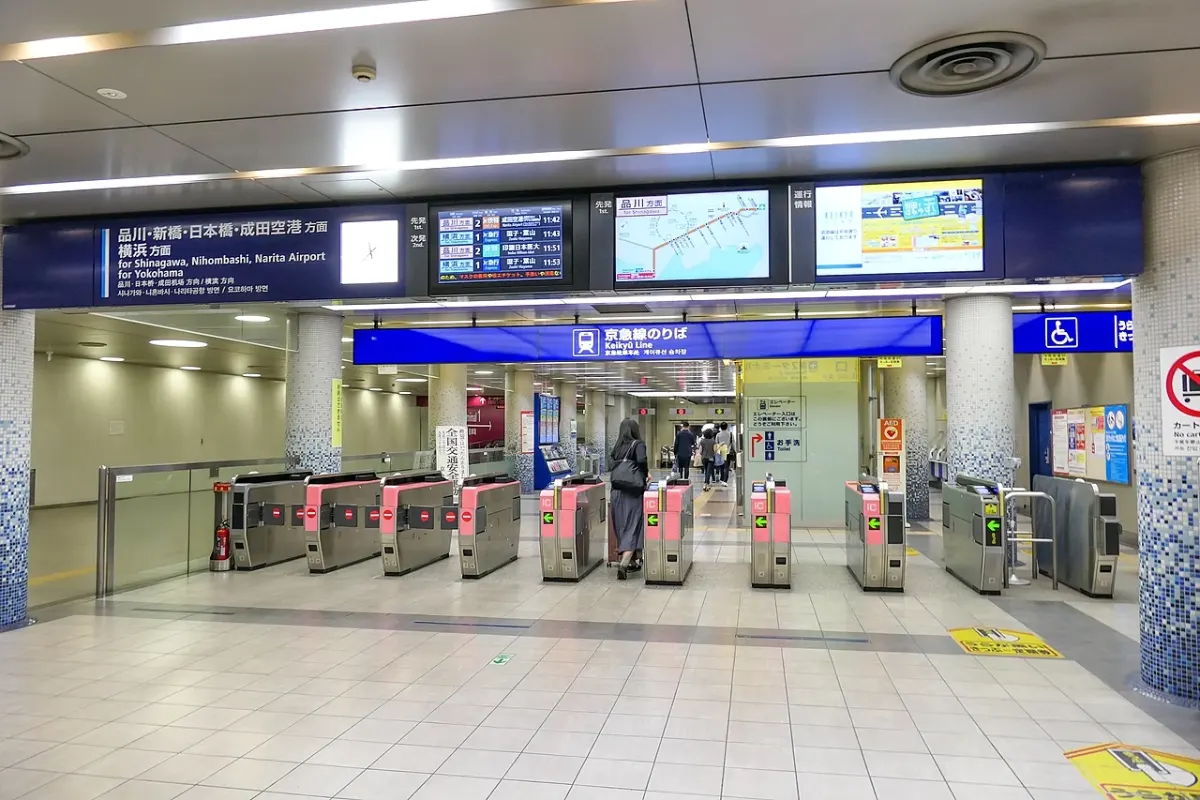
More photos: Underground tunnel at Narita Airport by Grendelkhan, CC BY-SA 4.0; Haneda Airport T1-T2 station Keikyu gate by MaedaAkihiko, CC BY-SA 4.0. Via Wikimedia Commons.