You will rely on your phone for maps, train times and translation in Japan. Here is how eSIMs, pocket WiFi and your home roaming plan compare on price and convenience.
This post contains affiliate links. We may earn a commission if you book through them. How we make money.
Quick answer
If your phone supports eSIM, get a Japan eSIM. It costs about $15 to $35 for one to two weeks, works the moment you land, and there is nothing to carry or return. Pocket WiFi only makes sense for families or groups who want to share one connection, or if your phone does not support eSIM.
eSIM vs pocket WiFi vs roaming
| Option | Typical cost (2 weeks) | Pros | Cons |
|---|---|---|---|
| Japan eSIM | $15–$35 | Cheap, instant, nothing to carry | Needs an eSIM-compatible, unlocked phone; data only on most plans |
| Pocket WiFi rental | $45–$90 | Shares with several devices, large data allowances | Another device to charge, carry and return |
| Home carrier roaming | $0–$150 | No setup, keeps your number | Can be expensive or slow, depending on your plan |
| Physical tourist SIM | $15–$40 | Works on older phones | Must swap SIMs, buy at the airport or online |
Prices are typical for late 2026 and depend on data allowance and provider.
How a Japan eSIM works
An eSIM is a digital SIM card. You buy a plan online, scan a QR code or tap an install link, and your phone adds a second line for data. Your normal SIM stays in place, so you can still receive texts such as bank verification codes if your home plan allows it.
Most travel eSIMs for Japan run on the networks of the big Japanese carriers, Docomo, SoftBank or KDDI (au), so coverage is excellent in cities, on Shinkansen routes and in most tourist areas. Speeds are usually more than enough for maps, video calls and social media.
Most iPhones from the XS onward, Google Pixel phones from the 3 onward, and recent Samsung Galaxy flagships support eSIM. Your phone must also be unlocked by your carrier.
Want the easiest option?
Compare Japan eSIM plans by data, days and price, and install before you fly.
When pocket WiFi is better
A pocket WiFi router is a small battery-powered device that creates a WiFi hotspot for up to five or ten devices. You rent it online and collect it at the airport or have it sent to your hotel, then return it by post or at the airport when you leave.
- Families and groups who stay together all day can share one router and split the cost.
- Heavy users who need laptops online, for remote work for example, benefit from the larger data limits.
- Older phones that do not support eSIM.
The downsides are real: you need to keep it charged (battery life is often 8 to 12 hours), everyone must stay close to the person carrying it, and losing it can cost you a hefty fee.

How much data do you need?
| Type of user | Per day | Suggested plan for 2 weeks |
|---|---|---|
| Light: maps, messages, some browsing | 0.3–0.7 GB | 5–10 GB |
| Average: plus social media and photos | 0.7–1.5 GB | 10–20 GB |
| Heavy: video calls, streaming, hotspot | 2 GB+ | Unlimited or 50 GB |
Hotels, Shinkansen trains, many stations and convenience stores offer free WiFi, so you will use less mobile data than you might expect. Many eSIM apps also let you top up if you run low.

Setting up your eSIM
- Check compatibility. On iPhone, go to Settings, General, About and look for “Digital SIM” or “Available SIM”. On Android, look for “Add eSIM” in network settings.
- Buy and install at home, on WiFi, a day or two before you fly. Most plans only start counting days when they first connect to a Japanese network.
- Label the lines clearly, for example “Home” and “Japan”.
- On landing, turn on the Japan line for mobile data and turn on data roaming for that line. Turn off data roaming on your home line to avoid charges.
- Keep the QR code or install details in an email you can find later, in case you need to reinstall.
What to check before you buy
- Network: plans on Docomo or SoftBank tend to have the widest coverage in rural areas.
- Validity: make sure the plan covers your full trip, including arrival and departure days.
- Fair use limits: some “unlimited” plans slow you down heavily after a daily cap, such as 1 or 2 GB.
- Hotspot use: check that tethering is allowed if you want to share data with a laptop or a travel partner.
- Top-ups: an app that lets you add data in a couple of taps is worth a dollar or two extra.
- Support: look for providers with English chat support in case installation goes wrong.
Common questions
Can I make phone calls with a travel eSIM? Most are data-only. Use WhatsApp, FaceTime or other apps for calls. If you need a Japanese phone number, for example to book some restaurants, look for a plan that includes one, though they cost more.
Is free WiFi enough? Not really. You will need directions and train times when you are between WiFi spots, which is most of the day.
What about my home carrier’s day pass? Some carriers offer good-value Japan roaming, especially on premium plans. Others charge $10 or more per day. Check yours before deciding; for a two-week trip, a travel eSIM is usually far cheaper.
Do I need data to use Suica? No. A Suica or PASMO card, or Suica in your phone wallet, works offline at the gates. But you will want data for route planning.
Planning the rest of your budget?
See what two weeks in Japan really costs, line by line.
Photo: Shibuya Crossing by Syced, CC0, via Wikimedia Commons.
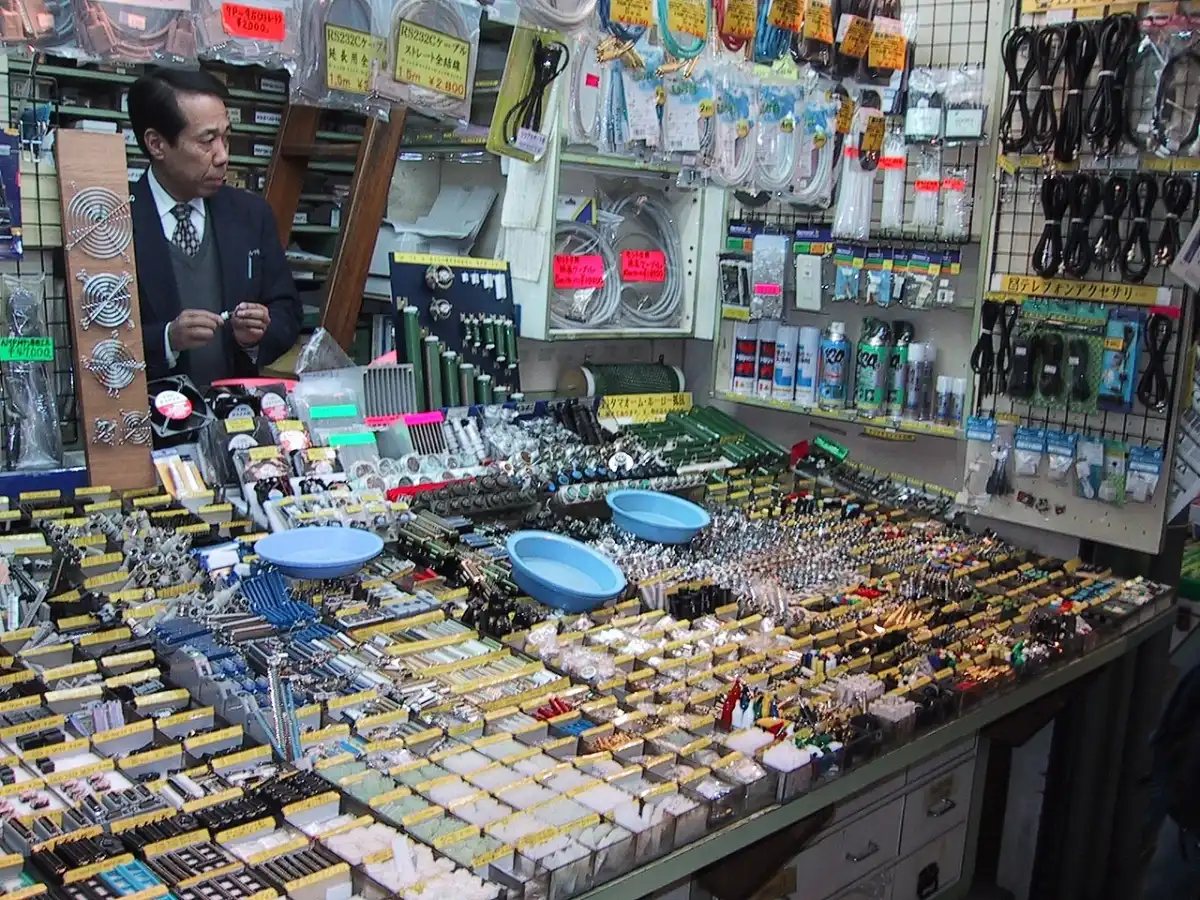
More photos: Tokyo Shibuya Scramble Crossing by Benh LIEU SONG, CC BY-SA 2.0; Tokio Akihabara shop by Ldelouw, CC BY-SA 2.0 DE. Via Wikimedia Commons.